The modern sports fan faces a unique challenge when they rely on a single screen to watch live events. A single screen creates an information bottleneck, forcing viewers to choose between game and context. Players check their phones for stats or updates on fantasy teams, while missing out on critical plays. It’s a common frustration that takes the joy out of the moment.
The solution involves looking away from being a passive viewing environment to a command center. A dual-monitor setup will change the game, placing the digital real estate at a player’s disposal to completely immerse oneself. They’re in the action, remaining at the core of the wider game story.
The Strategic Advantage of Screen Real Estate
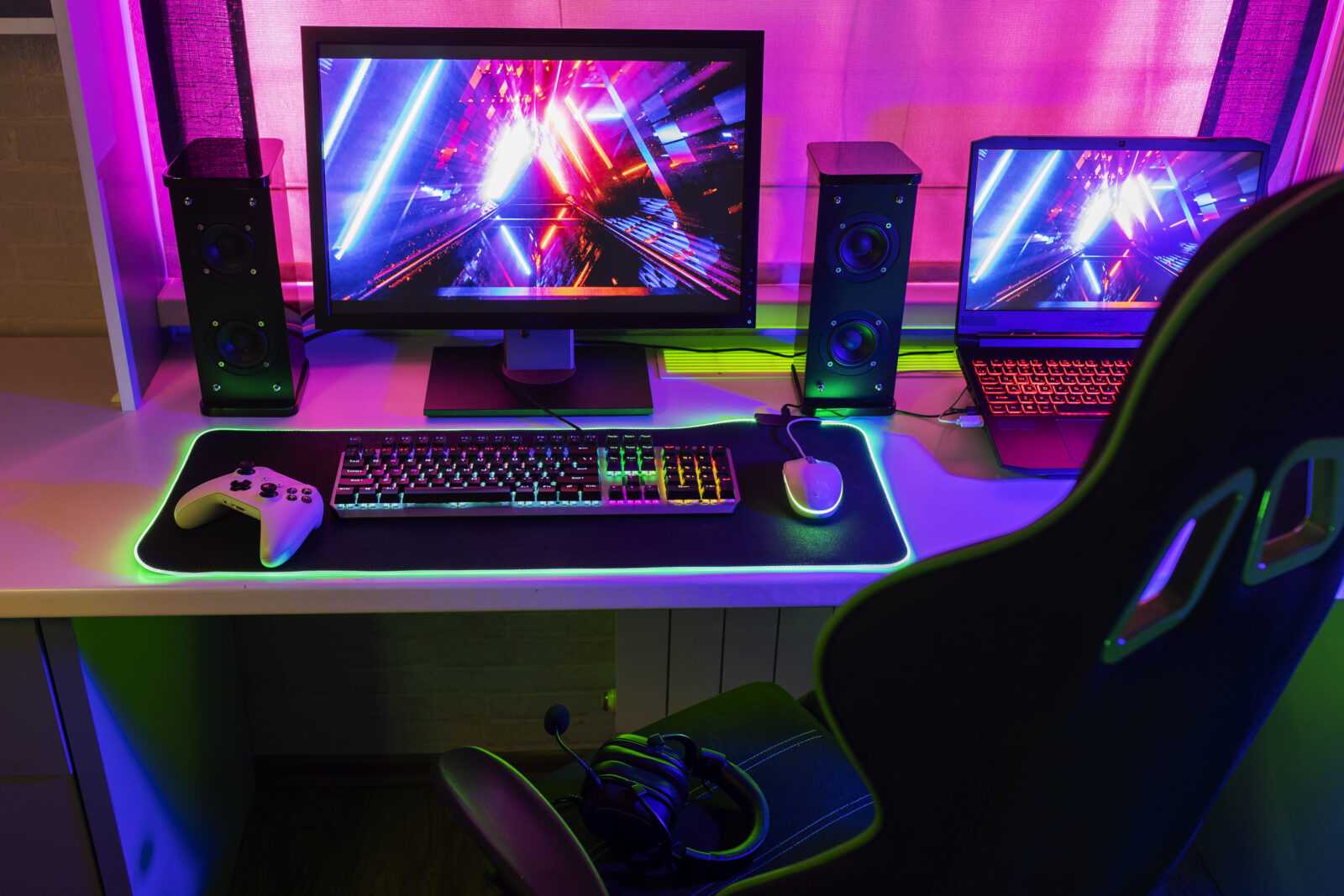
Separating the broadcast stream improves the viewing experience by design. It’s known as the separation of church and state in battle station design. This philosophy is in place to ensure the main visual experience isn’t cluttered. Pop-ups, tickers, or alerts won’t distract from the field of play.
An individual second screen enables the viewer to be an active participant rather than an active listener. Vertical monitors are a good option. This setup is designed for looking at todays NHL goal scorer odds without disrupting the game’s flow. It means scrolling through live data feeds on their main screen.
This setup is great for fans who want to check whether any of their predictions are true. They can follow their fantasy leagues live as the game progresses.
Selecting the Right Hardware for Fast-Paced Action
The first step in building an efficient command center is defining the proper hardware to process high-speed visual data. The main screen is where the broadcast becomes heavy, so it needs specifications to reduce motion blur.
A 120Hz or 144Hz monitor handles high-speed sports like hockey or racing better than 60Hz displays. This better refresh rate will keep the puck or ball moving fast and sharp, allowing users to track it.
A 1440p display measuring 27 inches strikes the best balance between screen size and pixel density for the primary feed. The secondary monitor will only need basic specifications since it will display text and a data table. The 1080p display is standard and performs well, so there’s no need to spend more.
Deep Analysis of Player Performance and Matchups
The second screen’s usefulness shines when breaking down a game’s details in real time. This feature enables fans to compare their starting goalie’s save percentage and GAA (Goal Against Average) to the team’s shooting statistics.
Follow each line’s real-time combos, as coaches frequently change matchups to generate offense during games. Viewers see these changes during the game rather than hearing about them after shifts end.
Players who monitor their player props find that their tablet or phone makes it simple to track this information. Monitor performance data by tracking specific players’ shot totals and time spent on ice during games. See who’s stepping up their game and may be due for that goal based on the season or tournament they’re currently in.
Optimizing Display Layout and Ergonomics
The physical configuration of screens determines the comfort and functionality of the sports setting. A typical setup among power users is the PLP (Portrait-Landscape-Portrait) mode. However, a dual setup usually works well with one screen horizontal and the other vertical. A portrait is better for reading long lists of statistics, social media feeds, or roster breakdowns without too much scrolling.
Ergonomics is essential during long doubleheaders. The main game screen should be at the same level as the eyes to avoid neck strain. The data screen should be placed at an angle toward the interior. Incorporating bias lighting behind the monitors enhances image contrast by providing soft, ambient light. It makes it easier on the eyes by offsetting screen brightness.
Essential Software Tools for the Multi-Screen Fan
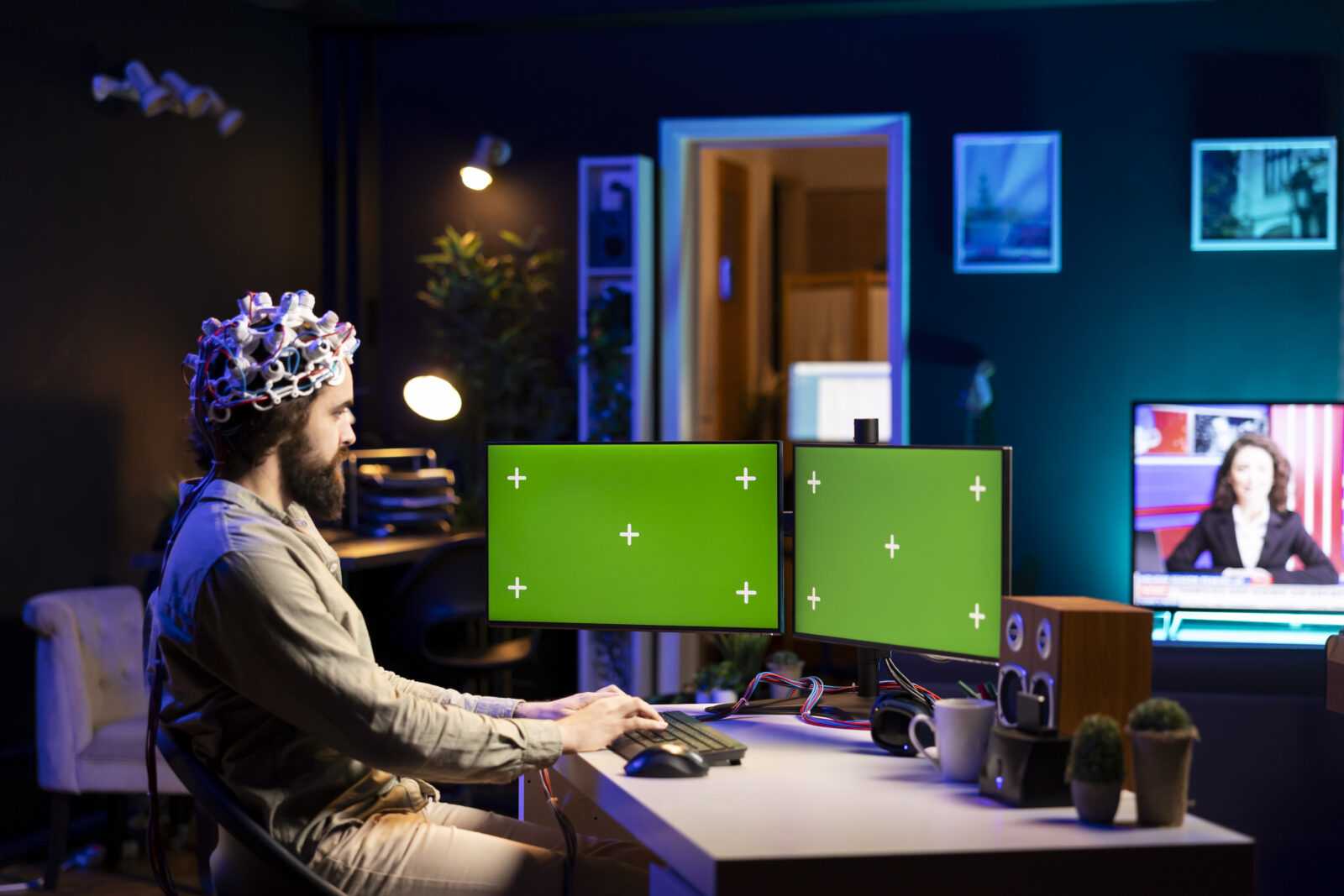
Filtering through all these sources of information requires specialized software to keep things tidy. Browser plugins that automatically refresh pages are nice so that scoreboards and stat trackers update themselves.
Window snapping tools let users divide their secondary monitor into an evenly spaced grid for video. It’s set up alongside a stat tracker and a chat window. Sound control is also essential. Often overlooked, a program that allows each source to adjust its volume independently is excellent for calming an overzealous game announcer. It’s great for keeping the data feed pings audible, but they’re never obnoxious.
The Final Buzzer: Elevating the Spectator Status
Adopting a dual-monitor configuration is a fundamental shift in how live sports are consumed and enjoyed. It shifts the experience from simple observation to one that’s more immersive, analytical, and engaging as a hobby.
The depth of information provided at a glance makes every match a rich array of information and drama. After having the control and immersion of a fully equipped command center, a single television screen will never be enough again.